Play Tears of the Kingdom on PC with TotK PC Recomp
The game's ARM64 code is recompiled ahead of time into a native x86-64 Windows program and its graphics are translated to Vulkan, so nothing is simulated while you play. Everything is built on your own PC from your own copy of the game — no game files are included. The usage steps take a few minutes once your files are ready, and the FAQ answers the rest.
Download
Usage
- Grab
TotK.Recomp.v0.4.0.zipfrom the downloads page, extract it anywhere and run the exe. Allow the administrator prompt. - The launcher opens and asks for your game files: the base game and the 1.1.0, 1.2.1 or 1.4.3 update, dumped from your own console. It verifies them, then builds the game on your PC — this takes a while and needs disk space.
- Set the resolution and quality preset in the launcher's settings. Key remapping, mods and the Portuguese interface live in the same window.
- Play. Achievements, multiplayer rooms and PlayStation button prompts are optional and off until you enable them.
Updates come through the launcher and reuse the compiled code that did not change, so they are much faster than a first build. The changelog tracks what each release adds.
Screenshots
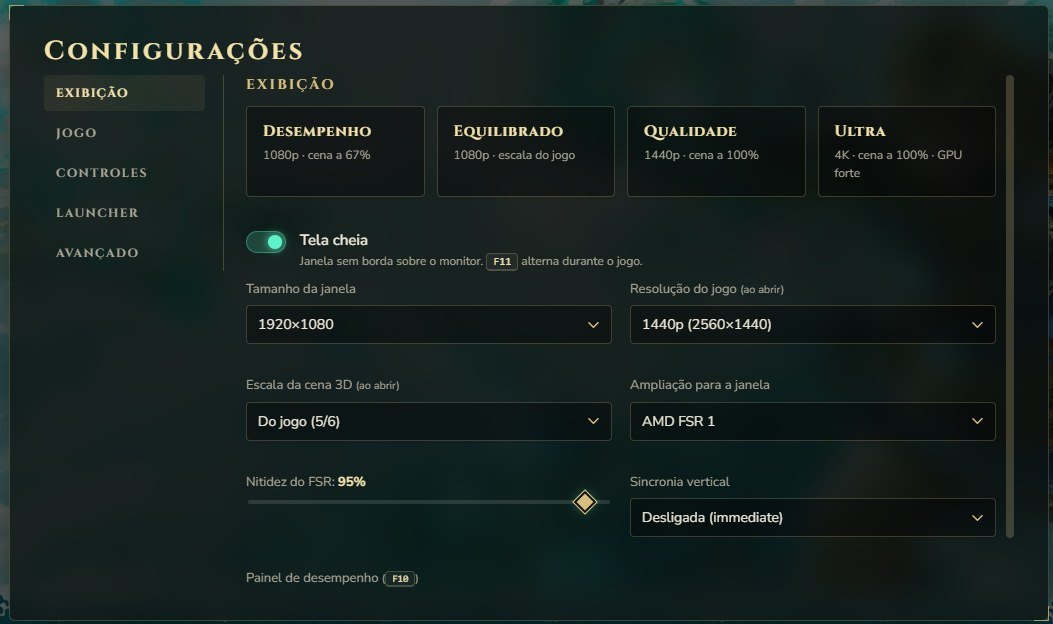
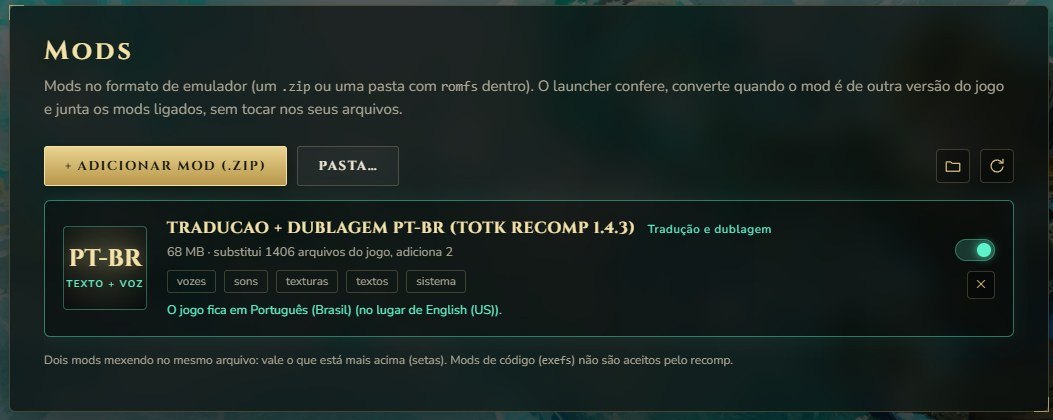
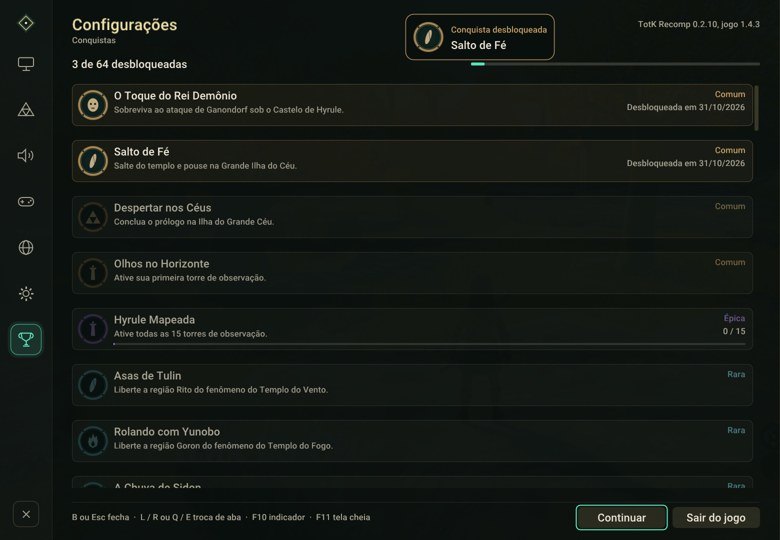
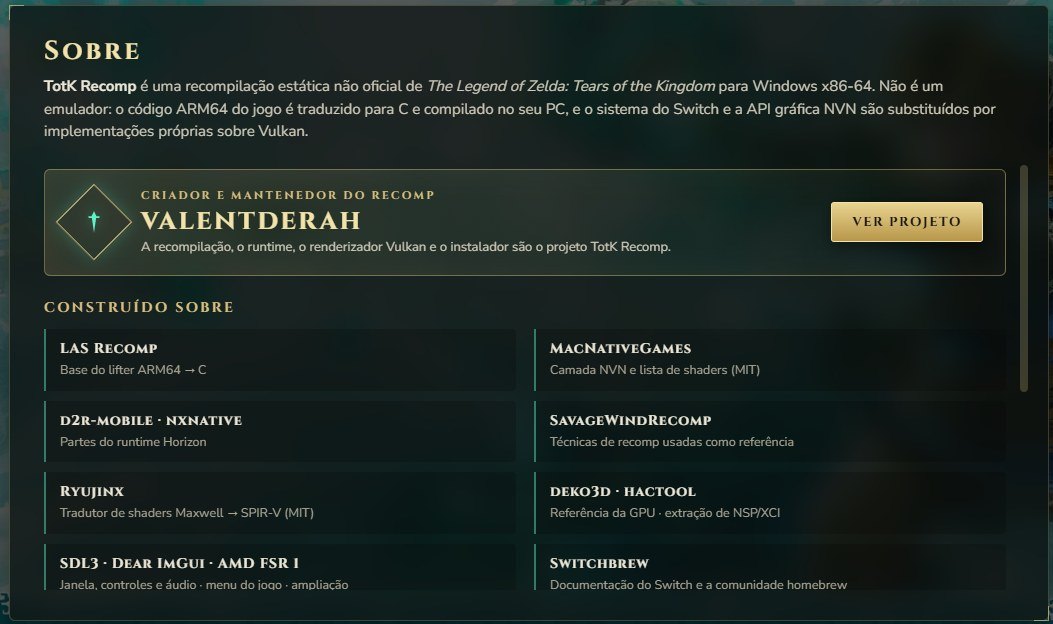
What the launcher adds
- Guided install and updates from GitHub, with a
totk.inisettings file and key remapping. - 64 achievements read from the game's own save progress, with a notice and chime, a platinum trophy and an editor for making your own.
- Multiplayer rooms: friends each play their own world and share progress, achievement unlocks, a chat and group challenges.
- PlayStation button prompts (✕ ○ □ △) drawn from the game's own files, and DualSense adaptive triggers and light bar.
- Quality of life: smoother mouse camera, borderless window, a notice while shaders compile, Portuguese interface.
What you need
| What | Details |
|---|---|
| Windows | 10 or 11, 64-bit |
| GPU | Vulkan-capable — modern NVIDIA, AMD or Intel card recommended |
| Game files | Your own copy: base game + update 1.1.0, 1.2.1 or 1.4.3 |
| Disk | Several GB free for the built game |
| Rights | Administrator, for the launcher and the build |
FAQ
- Is TotK PC Recomp an emulator?
- No. The game's ARM64 code is recompiled ahead of time into a native x86-64 Windows program, with its graphics translated to Vulkan. Nothing is simulated frame by frame, so there is no emulator overhead and no shader stutter while you play.
- Do I need the game to use it?
- Yes. No game files are included. You need your own copy of Tears of the Kingdom — the base game plus the 1.1.0, 1.2.1 or 1.4.3 update — dumped from your own console. The launcher builds the game on your PC from those files.
- What does the launcher add?
- A guided install and updates from GitHub, a settings file with key remapping, mods in the emulator layout, 64 achievements read from your save progress, multiplayer rooms where friends keep their own worlds, PlayStation button prompts, DualSense triggers and light bar, a Portuguese interface, and faster updates that reuse unchanged compiled code.
- Does it run on Windows 10 and 11?
- Yes — Windows 10 and 11, 64-bit. A Vulkan-capable GPU is required, and a modern NVIDIA, AMD or Intel card is recommended. Linux builds exist for the base project.
- Is it free?
- Yes — free and open source, and the source code is published on GitHub.
- Where can I get it safely?
- From this site or from the project's GitHub releases. Watch out for repacked builds on forums and file sharing sites.
- How finished is it?
- Early development. The game is playable on Windows and Linux, and visual bugs or crashes are still expected — keep your saves backed up.
Changelog
0.4.0 (November 2026)
- Launcher with guided install, updates, key remapping and mods in the emulator layout
- Achievements, multiplayer rooms and PlayStation button prompts
- DualSense adaptive triggers and light bar
- Faster updates that reuse unchanged compiled code
0.3.8 / 0.3.7
- Launcher fixes; previous builds are on the GitHub releases page
Disclaimer
TotK PC Recomp is our build: free, open source, archived here. It ships no game content and is not affiliated with Nintendo; the game and all related names belong to their owners. You must own your copy of the game, and what the launcher builds from it is for your own use — do not share it. The source code is published on GitHub.